


TGA Project 3
Bardo
About
As a young boy, explore your way through feudal Japan in search for your missing brother.
Info
Engine: TGE (TGA:s in-house C++ Framework)
Export Tool: Unity Engine used as a level exporter.
Duration: 12 Weeks (20h/week)
Team Size: 14
Itch

Contributions
Scene Management
In the beginning of the project I did the fundamental scene management on the engine side. The scene held in all the game objects and made sure to update and render them. Later on during the last few weeks I added a scene transition which added a bit of polish.
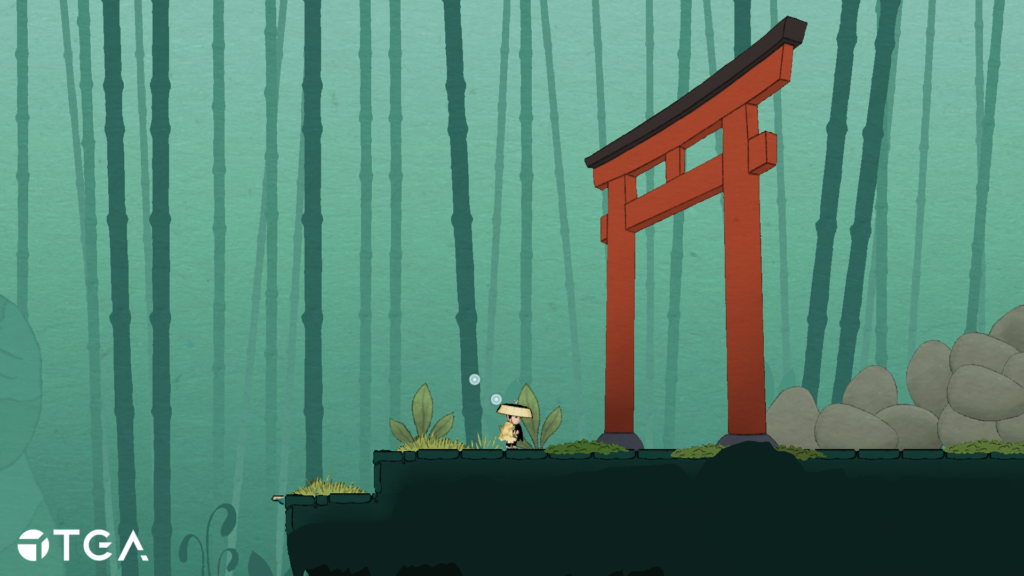
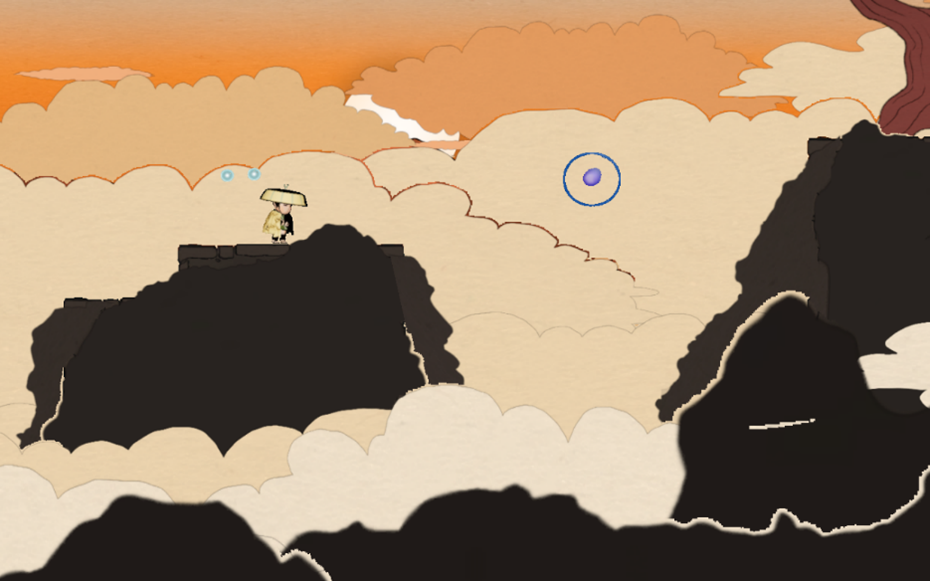
Sprites with alpha clipping out other sprites
Rendering Pipeline
Natively the rendering pipeline in TGE wasn’t configured in a way that allowed for sprites with alpha to render properly. A lot of the assets utilized alpha, as expected in most games, which resulted in sprites with alpha besides each other clipping each other out. The rendering pipeline was maintained by me and another programmer during most of the project. One of my biggest contributions to the rendering pipeline was a rendering layer system that could be configured through Unity by our artists.
The layer system allowed us to specify different behaviors for different sprites before rendering. Specifically the sprites with alpha got marked with a different layer than the ones that didn’t have alpha which allowed us to depth sort those objects in the z axis relative to the camera back to front. With the sprites sorted, the rendering pipeline just had to be configured to render alpha correctly when the sprites on the alpha layer were being rendered. And voila!
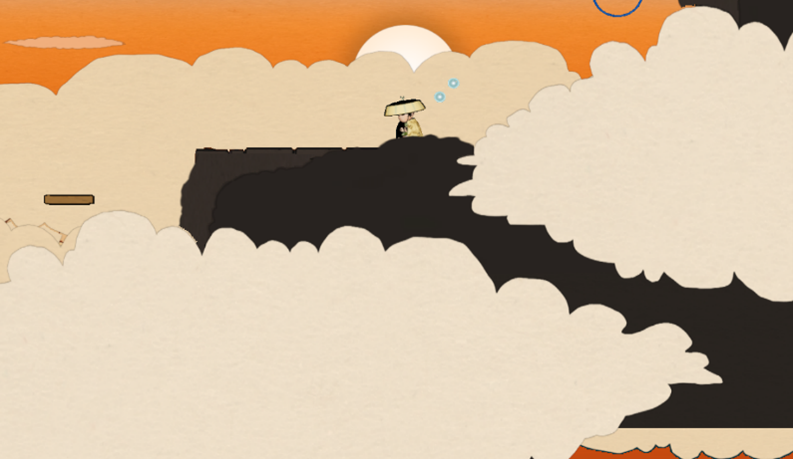
Sprites are rendered back to front resulting in zero alpha clipping
Import/Export
Every programmer sat at least a bit with the import and export as needs changed along the project. Fairly early into the project our level designers and artists wanted additive scenes when working in Unity to reduce the risk of possible conflicts in Perforce. Since we had control over the complete export flow I did it so that the exporter could read several Unity scenes in to the same output JSON file which would then be read by the engine.
Camera
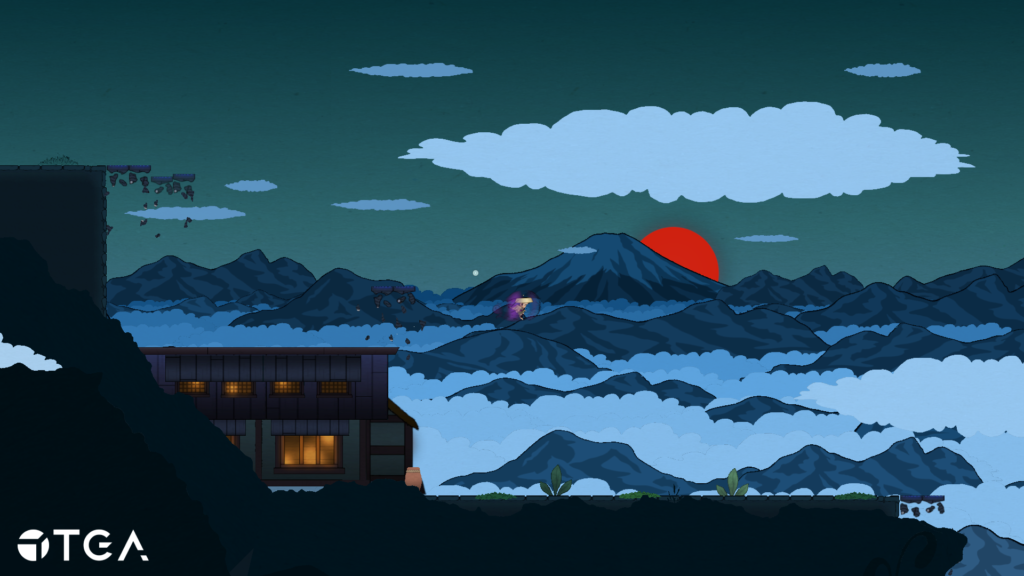
The movement of the camera was added early on in the project and consisted of a lerp. The game leaned heavily on environmental storytelling which made the level designers ask for a system where the camera would be offset differently from the player position based on what part of the level the player was in. I achieved this by allowing our level designers to place trigger boxes which could be fully configured in Unity to offset the camera by a certain amount.
Demonstration of the camera offset to get a better view
Reflections
In the beginning of the project we got of to quite a slow start. I partly think that’s because I was determined to build a “solve it all”-solution to the SceneManager in the engine which was supposed to process different scenes at runtime, a feature which I later found out could be solved during export of a level using additive scenes in Unity. This reinforced the fact that I should only consider what’s currently needed.
The Singleton-pattern was used pretty extensively throughout the code base during this project, mainly because the ease of access to data globally. Coming from Unity where the memory is managed by the garbage collector this made me realize that we should’ve put a larger emphasis in the beginning to build a better foundation. The over reliance on singletons wasn’t a major problem during development but still caused some annoying bugs which would’ve been easier to debug or not been a problem at all if the architecture would’ve been better structured.